What is the best video format for linkedin?
- Author
- Effy Shkuri
- Published on:
- Published in:
- Video Marketing

LINKEDIN VIDEO BEST-PRACTICES
Video is a powerful tool to get your message across and increase engagement on LinkedIn. Whether you deploy native videos, LinkedIn Live or ads, each type has its own guidelines. By making the right choices, you'll make the most of your video content.
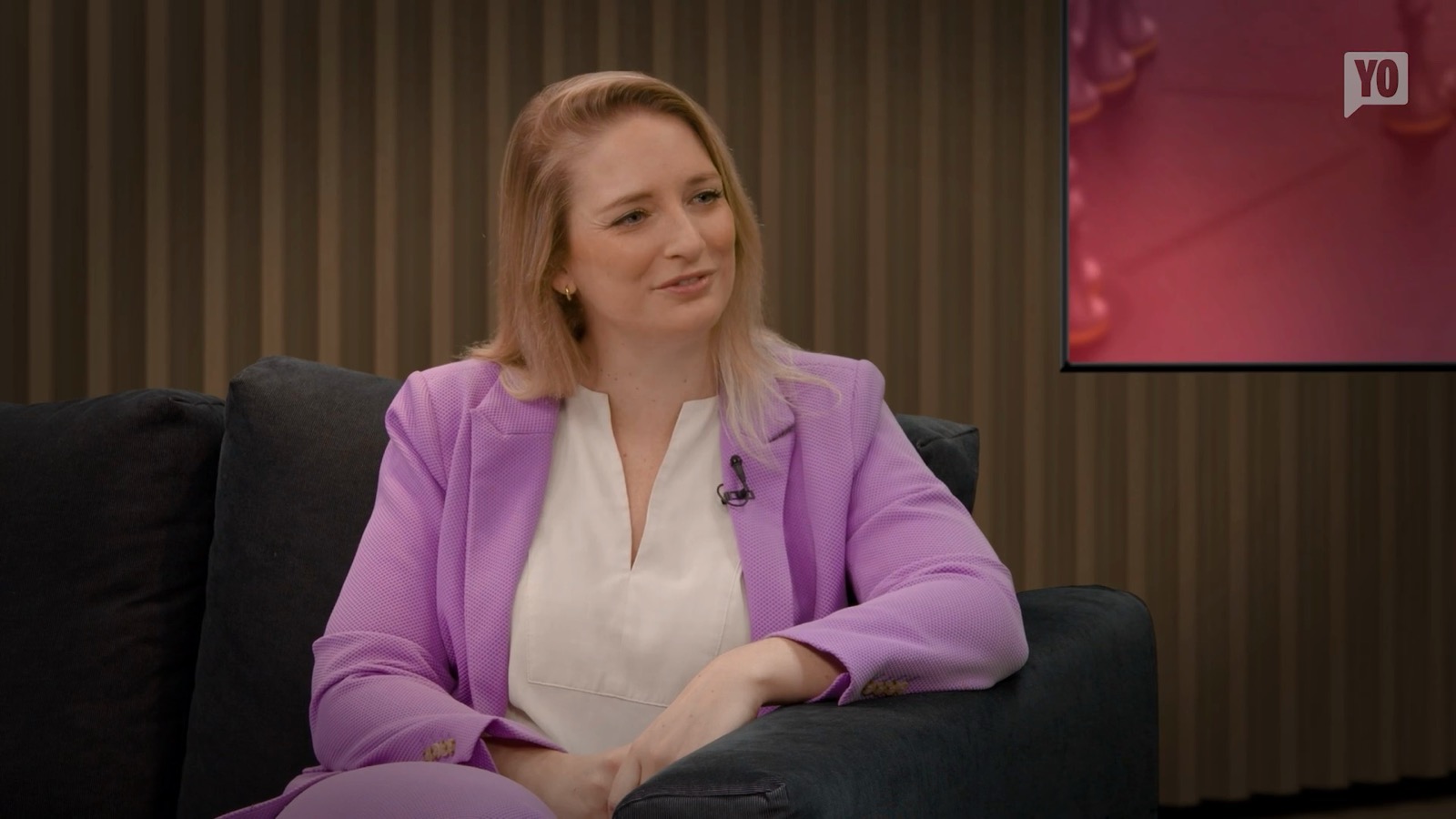
I’m sitting here in the StoryYo StudiYo, and there’s one question that comes up all the time. And since it’s asked so often, I thought it would be a good idea to answer it once and for all. The most frequently asked question is: Horizontal video versus vertical video. Which one do you choose, and when? The funny thing is that, especially on LinkedIn—and here I’m referring to my B2B LinkedIn audience—it’s long been said that vertical video performs better because it’s mobile-friendly. The results are better compared to horizontal video. Now, we’ve looked at a number of analyses from the last quarter by several major creators who’ve conducted these analyses. Nearly 400,000 posts were analyzed for results, and we’ve now reached the point where horizontal video on LinkedIn performs nearly 36% better in terms of reach and engagement than vertical video. Well, that’s quite a turnaround, of course. What’s really important—as we always say—is to consider the format of your video. That’s actually determined by the video’s purpose and the platform on which you’ll be posting it. So that’s always the biggest decision we make. But I thought it would be really cool to share with you for a moment that, as of now, horizontal video is outperforming vertical video.
1. NATIVE VIDEO
Native videos are uploaded directly to LinkedIn and played in the feed. Ideal for short updates, news or in-depth content.
- Aspect Ratio: 1:1, 16:9 or 9:16. Square often works best for both mobile and desktop.
- Duration: 3 seconds to 10 minutes. For optimal impact: 1 to 2 minutes.
- Format: MP4 offers the best balance between quality and size.
- Maximum size: 5 GB.
2. LINKEDIN LIVE
With LinkedIn Live, you stream directly to your network. Perfect for events, webinars or live Q&As.
- Aspect Ratio: 16:9 for wide viewing.
- Duration: 15 minutes to 1 hour. Make sure your content stays relevant and engaging.
- Format: Streaming via platforms such as OBS or StreamYard.
3. VIDEO IN LINKEDIN ADS
Video ads are ideal for making your brand or expertise visible. For thought leadership ads are subject to specific guidelines.
- Aspect Ratio: 1:1 or 16:9. Square takes up more space in the feed.
- Duration: 3 seconds to 30 minutes. Recommended: 15-30 seconds for rapid impact.
- Format: MP4 remains the standard.
- Maximum size: 200 MB.
4. EMBEDDED VIDEO
You can also embed videos from platforms such as YouTube or Wistia. LinkedIn displays the video directly in the feed, which allows for barrier-free viewing.
CONCLUSION
Choosing the right formats and settings will increase the effectiveness of your LinkedIn videos. Whether you work native, live or through ads, always tune in to your audience and message. This way, you not only reach more people, but also ensure real engagement.
Effy Shkuri
"Our people make the difference." Really? As a former "digital workplace & IT entrepreneur," I've said this for years about my 25 colleagues. But the reality is we were only considered thought leaders by 5% of our target audience. Even today, this remains a common statement from MSPs and IT service providers. But these words lose their meaning if your expertise does not extend beyond your existing customers and a handful of prospects. I now help IT entrepreneurs with thought leadership in their niche.